Features Overview
Bill Descriptions Processor
Bill Descriptions Processor
Bill Descriptions Processor

Turn timesheet rows into clear, bill-ready descriptions in seconds - no plugin.
Replies to PODs (Beta)
Bill Descriptions Processor
Bill Descriptions Processor
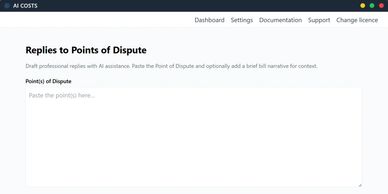
Draft consistent replies by theme, then refine and approve per item.
Quick Rewrite
Bill Descriptions Processor
Batch Review Mode
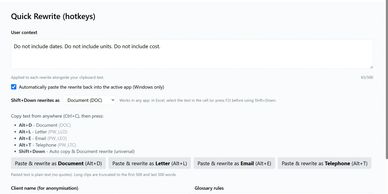
One-click rewrite for selected text in CostsMaster or Excel.
Batch Review Mode
Glossary / Capitalisation
Batch Review Mode
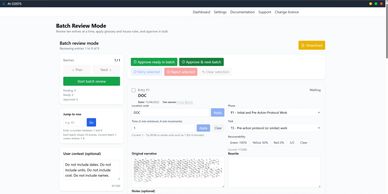
Approve multiple rewrites in one view. Focus on exceptions.
Scrub-first
Glossary / Capitalisation
Glossary / Capitalisation
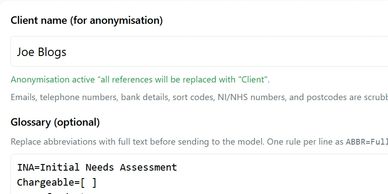
Remove names and identifiers before processing to reduce GDPR risk.
Glossary / Capitalisation
Glossary / Capitalisation
Glossary / Capitalisation
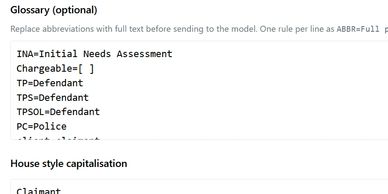
Apply firm-wide terms and capitalisation rules automatically.
Align Your Data

AI Costs reads your location code per row to pick the right rewrite. (Not applicable to Quick rewrite.)